Self-order kiosk
The self-order kiosk integration connects the kiosk system you already have to your guest accounts and loyalty programme. A guest identifies themselves at the kiosk with a QR scan from your app or with their mobile number and a one-time code, and the kiosk order joins the same account as their other visits. Retter provides the integration; you keep your kiosk hardware.
A reason to come back.
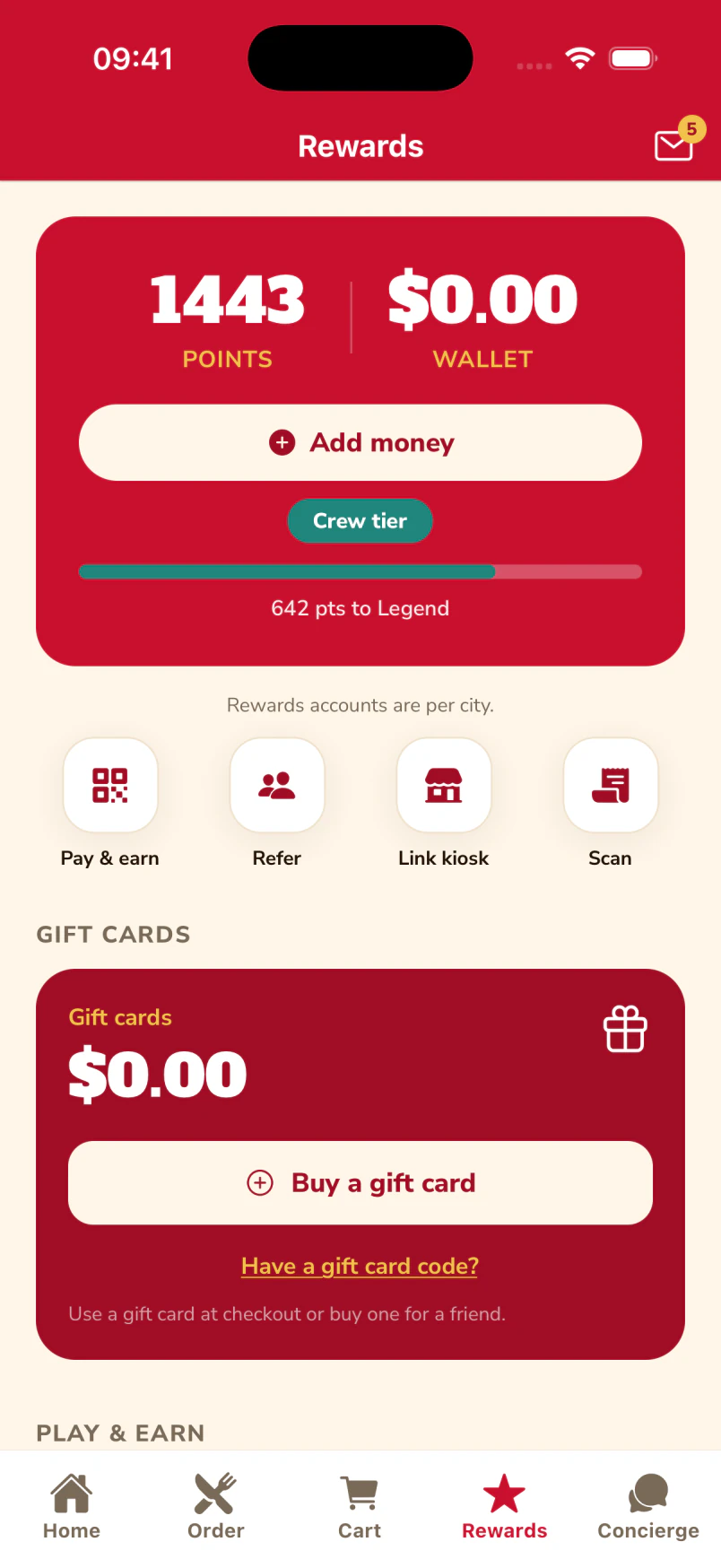
The guest’s rewards wallet keeps their available points, membership tier and progress together.
A reason for the next visit.
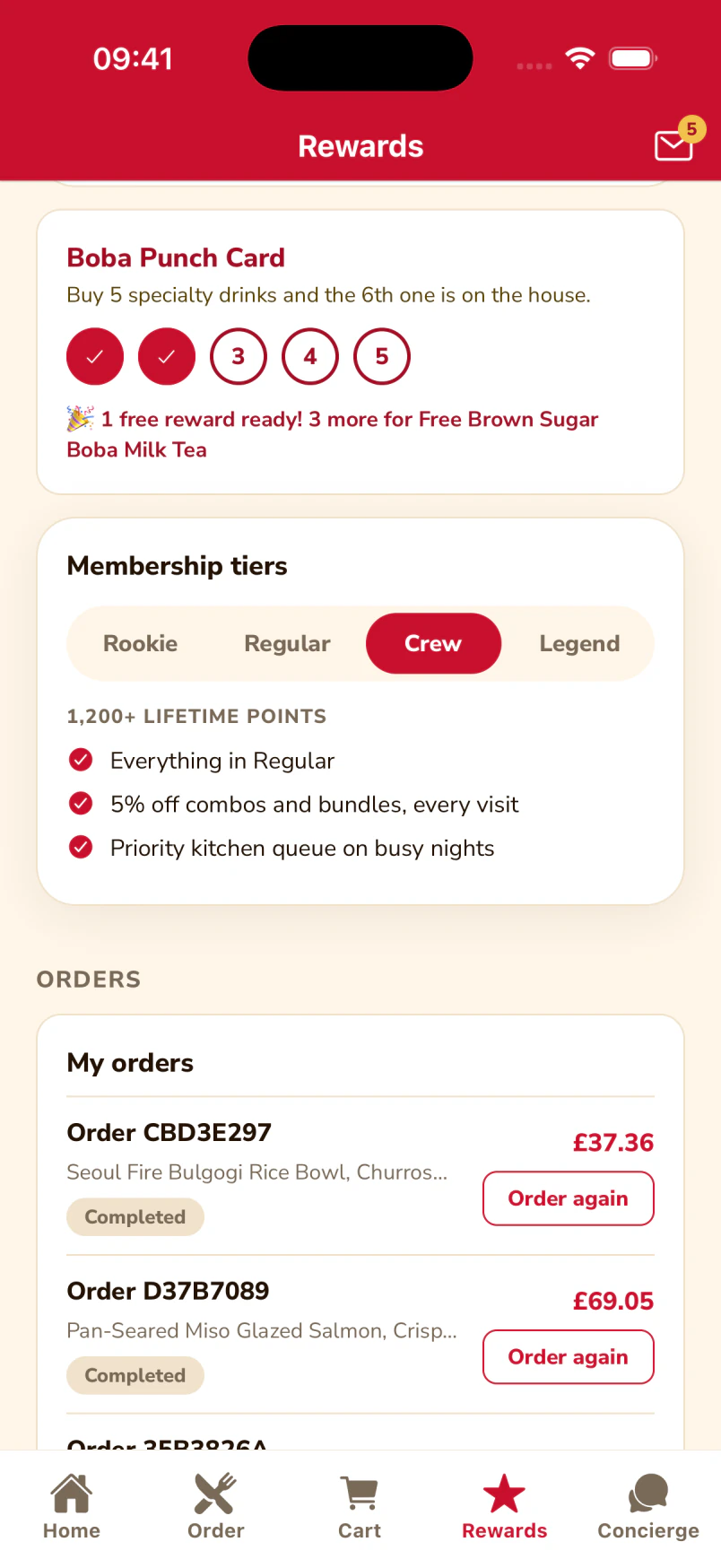
The Boba Punch Card with its stamps and the Crew membership benefits, inside the same app the guest orders from.
More reasons to return.
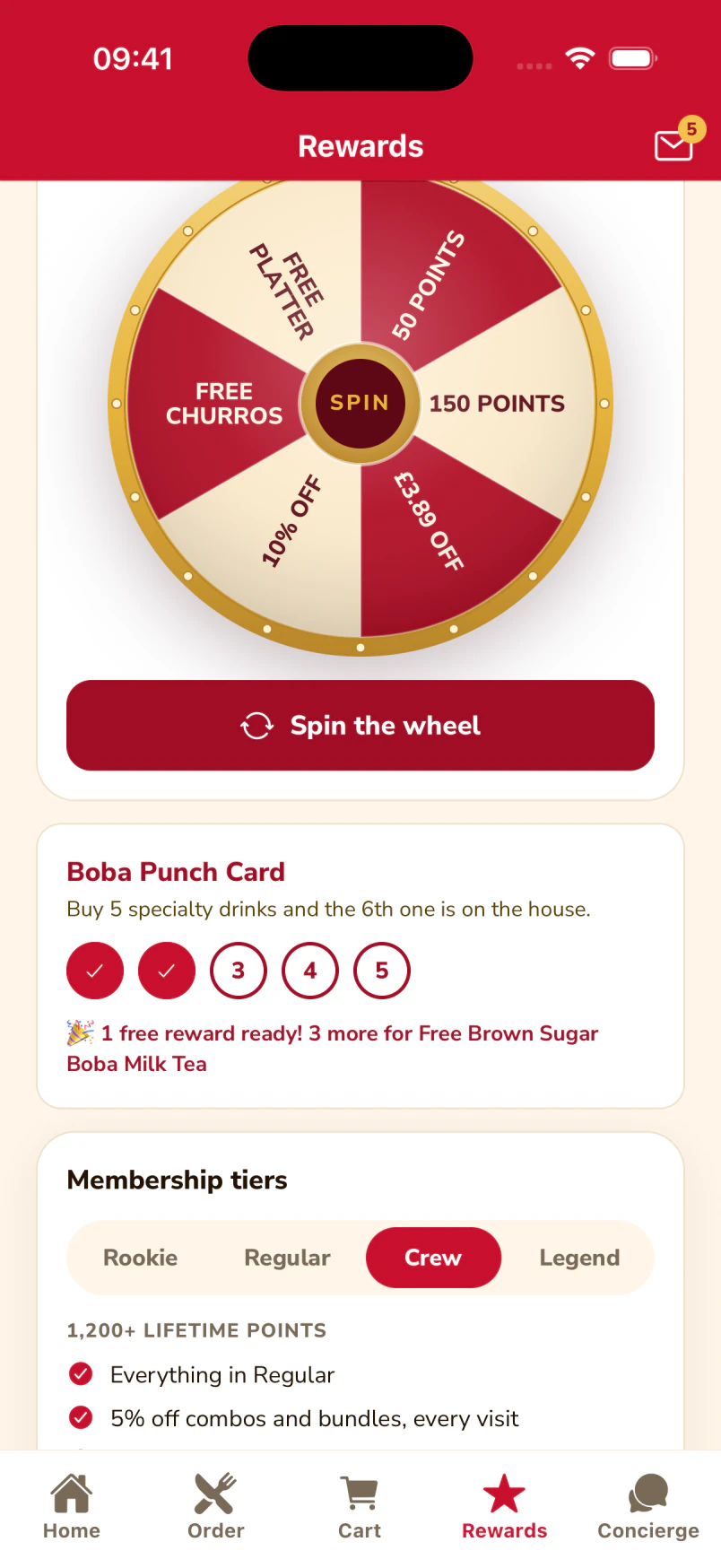
The app brings the daily rewards wheel and the guest’s punch-card progress together.
Native iOS app · Spike’s Diner demo
Two ways to know who is ordering
Watch the real kiosk welcome and menu screens, with the two supported sign-in routes explained alongside. These separate captures do not show a completed sign-in or order. The hardware stays yours.
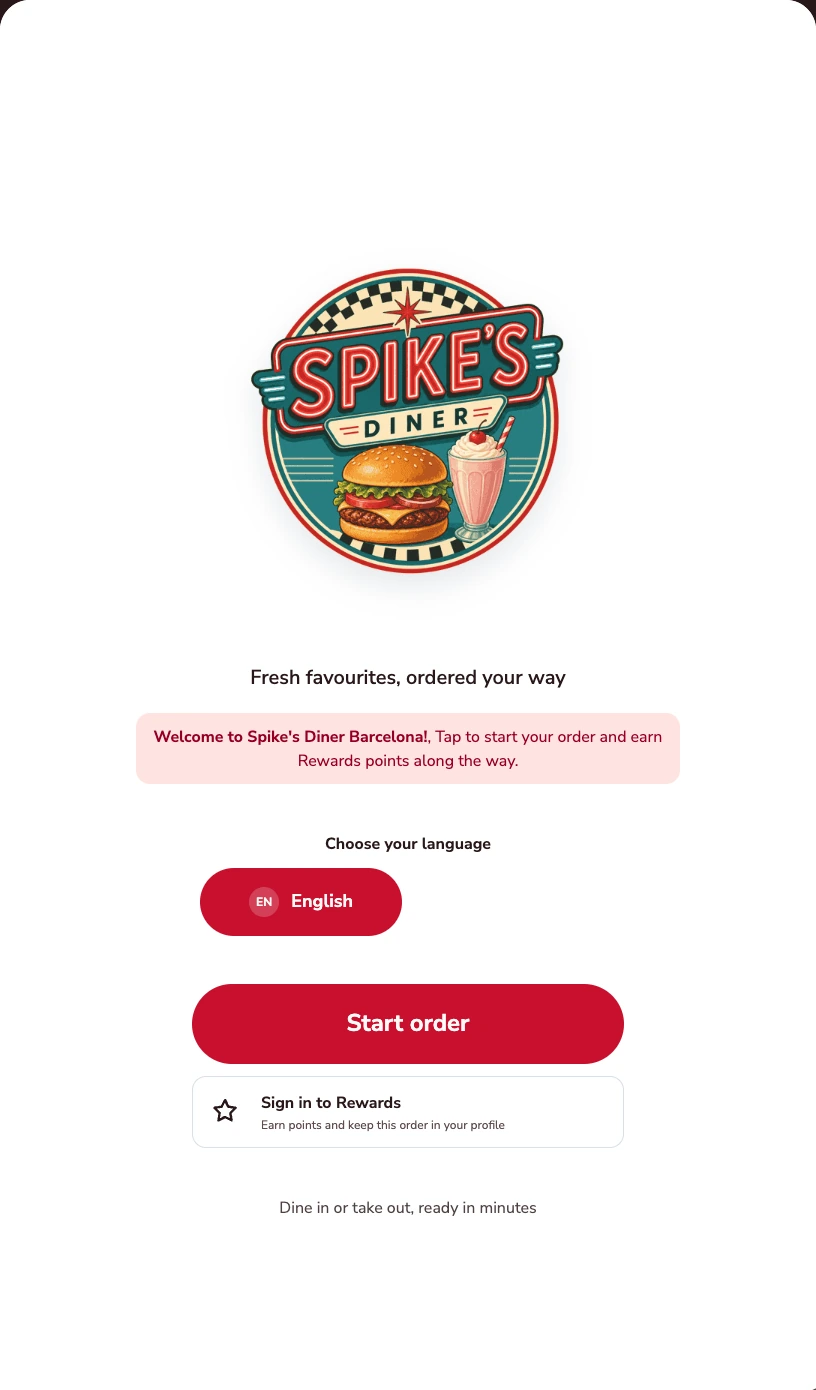
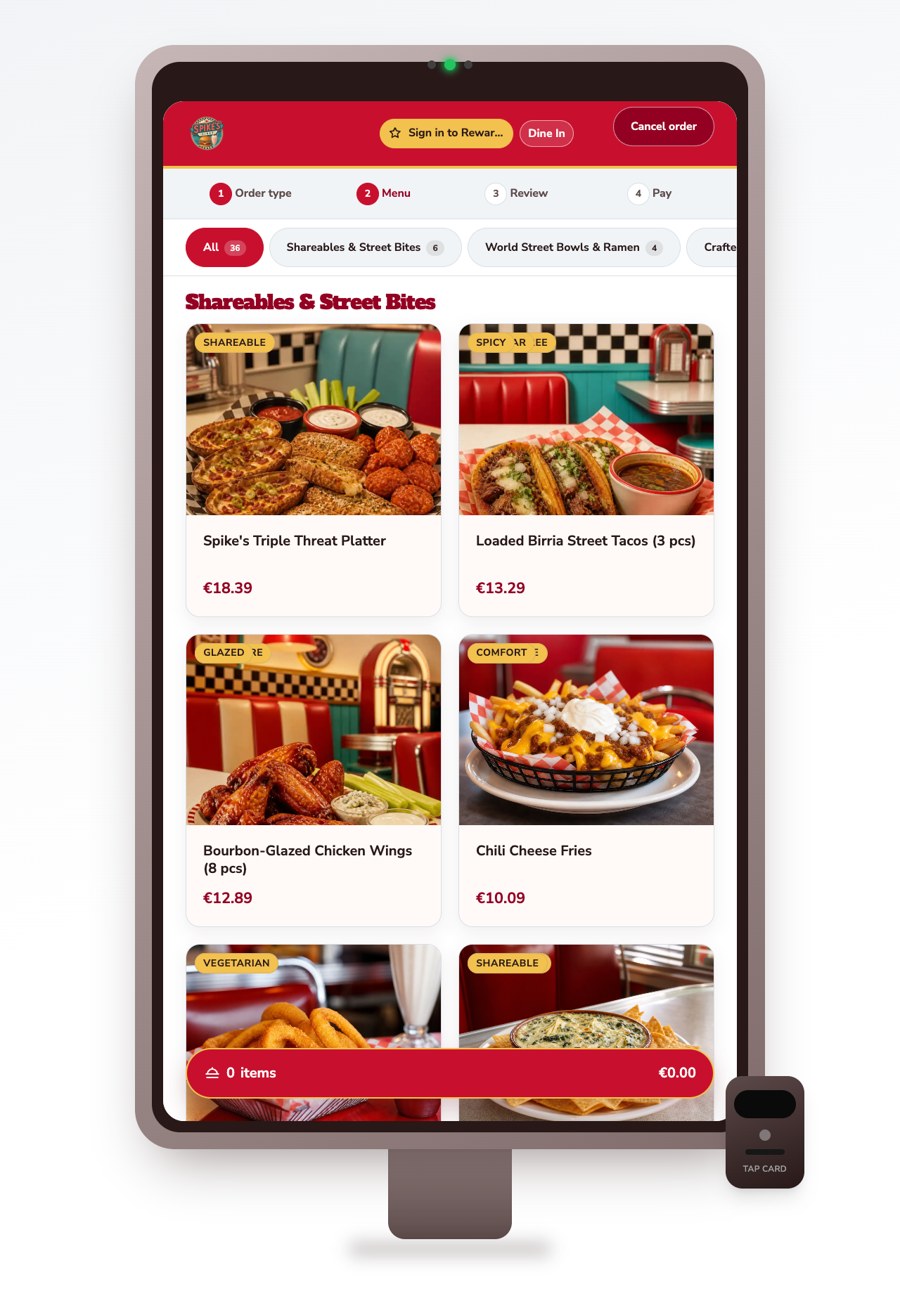
Two ways to identify a guest
Scan with the app
Open the scanner in your branded app and scan the kiosk’s QR code.
Mobile number + OTP
Enter a mobile number, then verify it with a one-time code.
One guest account. Connected rewards.
What your team
gets with it.
- Integrate your kiosk
- Connect your existing kiosk system, with the integration scope agreed for your setup.
- Scan from the app
- Guests open the scanner inside your branded app and scan the QR code shown on the kiosk.
- Mobile number + OTP
- Guests can also identify themselves by entering their mobile number and verifying a one-time code.
Part of your complete setup.
Your website, customer app, waiter app and kiosk integration come together as standard. Retter builds and runs them under your brand, connected through the same menus, orders and guest records.
Questions about
self-order kiosk.
Read all FAQs What is a self-order kiosk integration?
A self-order kiosk integration connects the kiosks a restaurant already has to its guest accounts and loyalty programme, so a kiosk order earns and redeems rewards like any other order. Retter provides the integration, not the hardware: a guest signs in with a QR scan from the app or with their mobile number and a one-time code.
Does Retter supply kiosk hardware?
No. Retter provides the integration and the group keeps the kiosk hardware it already has. The integration connects the kiosk system to guest accounts and the loyalty programme: a guest identifies themselves with a QR scan from the app or with their mobile number and a one-time code, and the kiosk order joins the same account as their other visits.
Where do online, table and kiosk orders appear for the store team?
In one list. The kitchen and store tools Retter builds show incoming online, table and kiosk orders together. The store sets preparation times, pauses ordering and marks items unavailable, and the order status flows back to the guest.
What is included when we work with Retter?
Web ordering, mobile responsive web, a mobile customer app, a mobile waiter app and kiosk integration are included as standard. QR table ordering, loyalty and the back office connect those channels through the same menus, orders and guest records. Retter builds and runs the experience under your brand. Kiosk integration connects the hardware you already use; the launch sequence and connection scope are agreed for your group.
Do we have to replace our POS?
No. Retter builds around the POS a group already uses. The first site can go live without a POS connection: guests order and pay through the group's own website and app, staff scan a guest's code to add points and reporting starts on day one. Retter then reviews the POS and agrees which menus, orders, payments and loyalty events can be connected. How deep the link goes depends on what your POS vendor opens up. We confirm it in writing before you commit.
Let’s put your restaurant in the picture.
Tell us about your sites and the systems you use. We’ll show you the guest experience, the team’s workspace and what a first rollout would include.
The guest demo uses a fictional restaurant. Payments are simulated.
In your walkthrough
- Place an order as a guest.
- See the account and rewards behind it.
- Agree the scope of your first site.